
The short answer
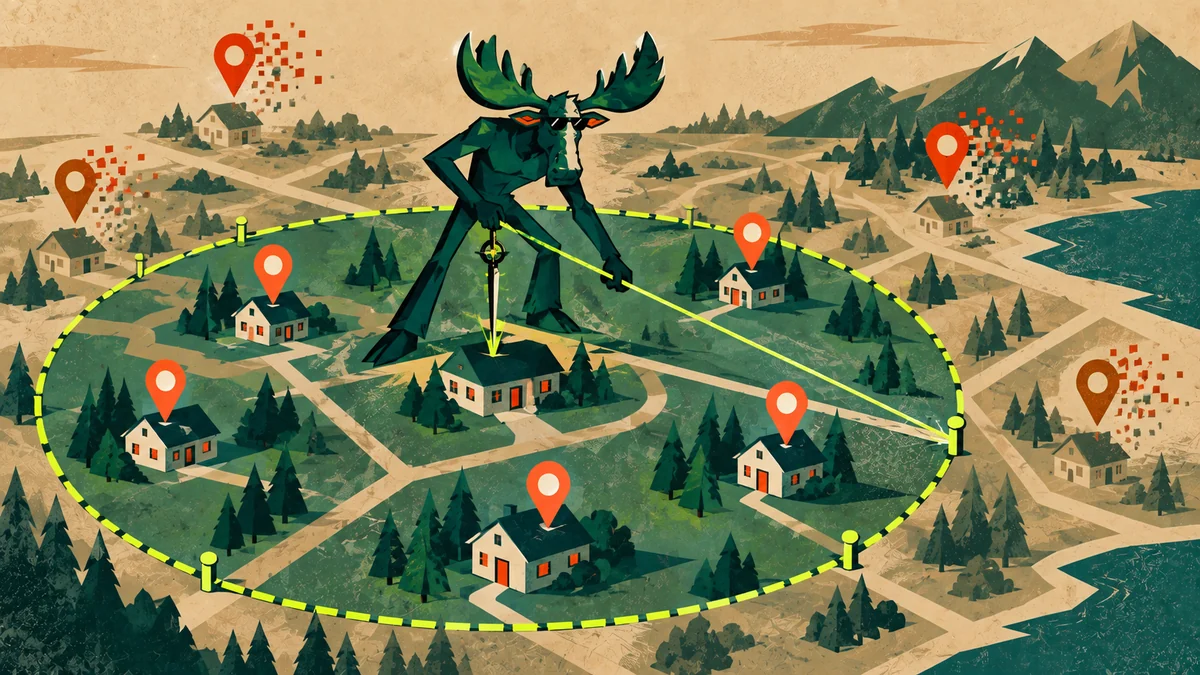
Use service areas to describe coverage—not to manufacture proximity.
Google currently allows up to 20 service areas selected by city, postal code, or another available area. It advises keeping the overall territory to roughly two hours of driving from the business base. A pure service-area business should hide its address; a legitimate hybrid business may show its staffed customer-facing location and add service areas.
Choose the right type
Start with how customers interact with the business.
| Type | Customer interaction | Address treatment |
|---|---|---|
| Storefront | Customers visit during stated hours | Show the real, staffed address |
| Service-area | Business travels or delivers | Hide the address; list service areas |
| Hybrid | Customers visit and the business travels | Show the qualified location and add service areas |
A mailbox, virtual office, borrowed address, or unstaffed location does not become a legitimate storefront because it is useful for marketing.
Set the territory
Choose areas from operations, margins, and customer expectations.
- Start with completed workMap where profitable customers already come from and where crews can reliably travel.
- Check service constraintsAccount for traffic, emergency response, licensing, tolls, seasonality, and job value.
- Use recognizable areasSelect available cities, postal codes, or regions customers understand.
- Remove aspirational coverageIf the business cannot serve an area consistently, do not publish it merely to look larger.
Understand the limitation
A service-area label does not erase distance.
Google names distance as one of the main local ranking considerations. Listing a city can help customers understand coverage, but it does not relocate the business or guarantee placement for searches originating there.
Use geogrid tracking to observe how visibility changes across the real market, then decide whether stronger relevance, prominence, website coverage, or a legitimately staffed expansion is justified.
Align the website
Let service areas guide evidence—not page duplication.
The profile and website should agree about where the business operates. Build a strong regional or county owner, then add narrower pages only when each area changes the customer decision and the business has specific proof.
For a wider implementation, MooseRank connects service-area settings to local SEO and Google Maps optimization, page ownership, reviews, citations, and lead measurement.
Build the local system
Turn local visibility into qualified demand.
MooseRank connects your Google Business Profile, website, reviews, citations, service territory, authority, and measurement inside one evidence-led campaign.
Straight answers
Google Business Profile Service Areas: common questions
01How many service areas can a Google Business Profile have?+
Google currently permits up to 20 service areas, selected by cities, postal codes, or other available geographic areas rather than a radius.
02Should a home-based service business show its address?+
No, not if customers are not served there. Google instructs service-area businesses to remove the public address and list the service area instead.
03Can a service-area business create several profiles?+
Google says a service-area business should generally have one profile for the entire area it serves. Separate profiles require separately eligible, real-world business locations—not rented mailboxes or invented offices.
04Will adding a city make the profile rank in that city?+
It can clarify customer coverage, but it does not guarantee visibility. Google still considers relevance, distance, and prominence for each local search.
Primary sources
Documentation reviewed
- Google Business Profile Help: Manage service areas
- Google Business Profile Help: Edit your Business Profile
- Google Business Profile Help: Tips to improve your local ranking
Profile rules were checked against current Google Business Profile Help documentation on September 13, 2026.

About the author
The Moose
The Moose is the Founder of MooseRank and writes about SEO strategy, local search visibility, and the evidence businesses should use to make better search decisions.
Meet The Moose and the MooseRank system