
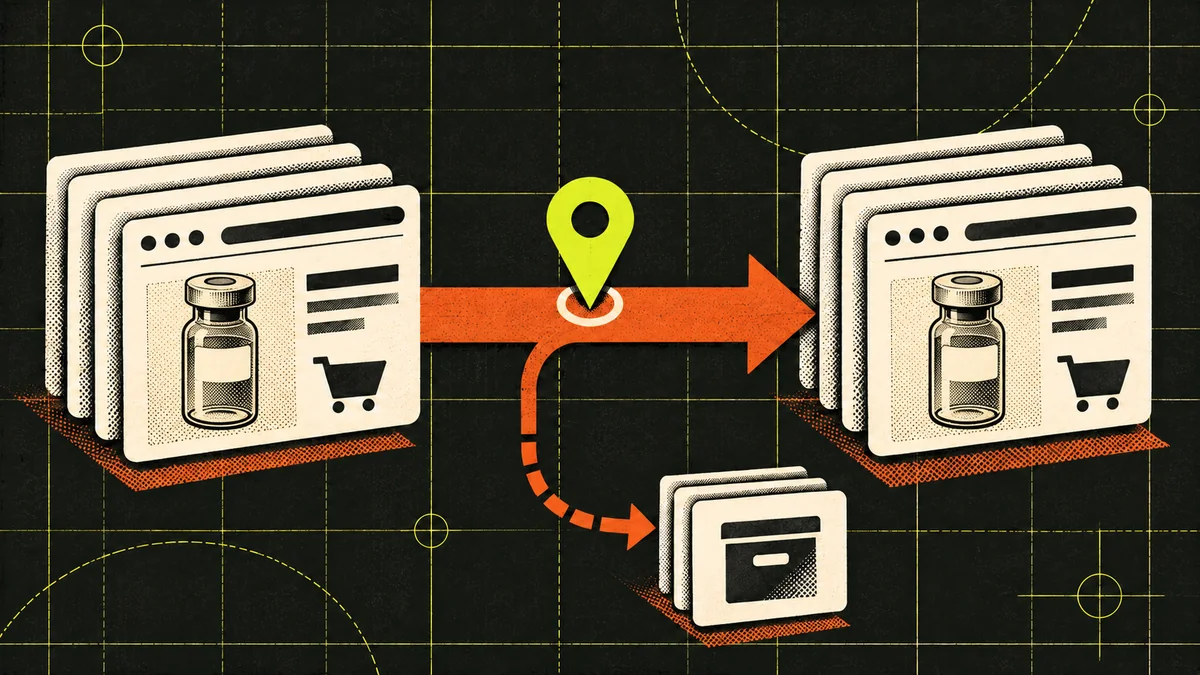
The short answer
Keep useful URLs when possible. Map changed URLs to equivalent destinations, preserve the exact product-to-certificate relationship, and verify search and checkout on the production host before calling the move complete.
Changing ecommerce platforms can break product links, separate certificates from the lots they document, or obscure what happened to online orders. Map the old URLs and test the buyer journey before cutover.
MooseRank has documented an anonymous peptide ecommerce rebuild from WooCommerce to a Next.js storefront with MedusaJS. The URL examples below are fictional planning examples; they are not records from that client.
Inventory the URLs
Start with what people and crawlers can reach today.
Combine a crawl of the public site, the current XML sitemap, Search Console landing pages, and a catalog export. Add any linked PDF certificates from product pages or media storage, including files on a separate host you control. Check what the platform emits for variant URLs, sorting, and filters.
For every priority URL, record its response status, canonical URL, page type, product or category identifier, and inbound links or search entrances where available. Match products on a stable identifier such as a SKU or catalog ID. Match a certificate by lot and document version. A similar filename is too weak a match.
Decide the destination
Give each important URL a specific outcome.
Keeping a URL is usually simpler than redirecting it if it still serves the same purpose and the new platform supports it. When a location changes permanently, use a direct server-side permanent redirect to the equivalent destination. When there is no equivalent and no enduring reason to keep the old page, use a real removal status rather than sending the visitor to the homepage.
| Old URL | Expected behavior | What to verify |
|---|---|---|
| /product/sample-r42 | 301 → /products/sample-r42 | Same product identifier, available variants, and documentation paths. |
| /collections/reference-materials | Keep the URL and return 200 | Same category purpose, useful inventory, and crawlable product links. |
| /media/r42-lot-017.pdf | 301 → /documents/r42-lot-017.pdf | Same report, lot, and version; PDF opens without authentication. |
| /product/retired-sample-k | 404 or 410 if no equivalent or useful archive exists | Real status code and a clear explanation for visitors. |
Rehearse the cutover
Test search and checkout before launch.
Protect staging from public indexing and keep a record of controls that must be removed from production. Crawl the release candidate against the approved URL map. Check canonicals, robots directives, pagination, internal links, and the final XML sitemap. Point these signals to the preferred production URLs, with redirects reserved for visits to the old addresses.
Run a test order and confirm the correct SKU, selected variant, price, availability, order confirmation, and analytics event. Open a representative COA from the new product page and from its old URL. If product data and documents are deployed separately, test the actual release order so the new page never points to a missing file.
Check production
Set owners for the first day and the weeks after.
On launch day, request old URLs and verify that redirects land in one hop at the expected status and content. Confirm that priority new pages are crawlable and self-canonical, the sitemap contains final URLs, and checkout still records a single purchase for a test order.
Use Search Console to monitor priority products, categories, and documents where relevant. Compare like-for-like windows and note inventory, campaign, or tracking changes before interpreting shifts. Keep permanent redirects in place as long as possible; Google recommends generally at least one year for site moves.
- Developer: redirect failures, incorrect status codes, and staging directives.
- Catalog owner: missing product options, incorrect availability, and broken certificate links.
- SEO or analytics owner: sitemap coverage, search landing pages, and purchase tracking.
Apply it to your catalog
Make the next change with a clear owner.
If a rebuild is part of a broader search project, see our industry service page: seo for peptide company.
Straight answers
Common questions
01Do I need Search Console’s Change of Address tool for a platform switch?+
A same-domain platform or path change does not require Change of Address. Use the redirect map, clean sitemap, and indexing checks. Review Google’s domain-move instructions if the domain or subdomain changes.
02Can I send old product URLs to a category page?+
Only if that destination genuinely satisfies the old URL’s purpose. A broad category is rarely an equivalent for a specific item. A useful retired-product archive or a genuine removal status may serve visitors better.
03What if a certificate moves to a different file host?+
Update the link on every relevant product page. If you control the old file URL, redirect it to the same report at its new address and verify the file and lot before launch.
Research sources
Pages and documentation reviewed
- Google Search Central: site moves with URL changes
- Google Search Central: redirects and Google Search
- Google Search Central: launch an ecommerce site
The technical recommendations follow Google’s documentation on redirects and site moves. The sample URLs and acceptance checks are illustrative and should be adapted to your platform.

About the author
The Moose
The Moose is the Founder of MooseRank. MooseRank has worked with a peptide company for which MooseRank reports growth from approximately 100 to 3,000 monthly Google Search clicks over nine months, and uses current market evidence to guide each new engagement.
Meet The Moose and the MooseRank system